
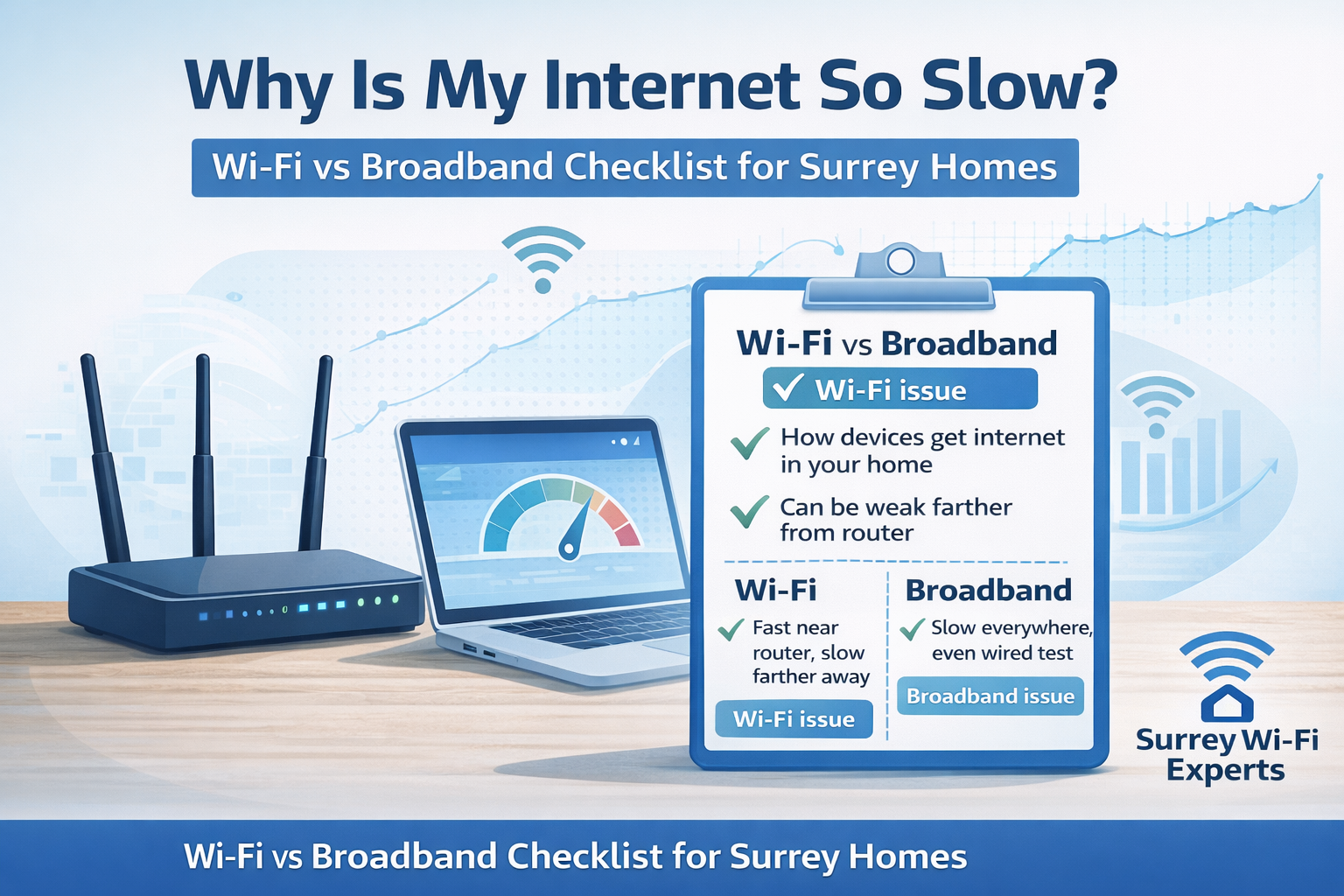
Why is my internet so slow?
If you are asking “why is my internet so slow”, you are not alone. Many slow-speed problems have a clear cause. Some are inside the home. Others sit on the broadband line.
This guide helps you find the likely issue quickly. It also shows what you can fix safely yourself.
Wi-Fi vs broadband: what’s the difference?
Many people use “Wi-Fi” and “internet” to mean the same thing. They are not the same.
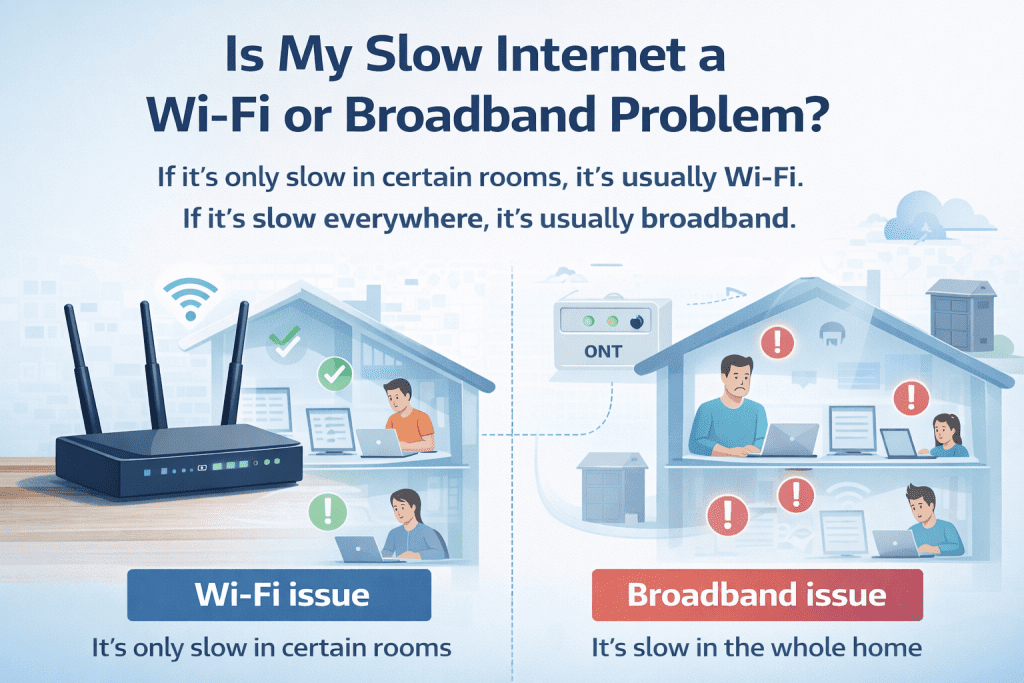
Broadband is your internet connection.
It is the service coming into your home from your provider. This could be full fibre, part-fibre, cable, or 4G/5G. If broadband has a fault, the internet will be slow or drop out for everyone.
Wi-Fi is how your devices connect to your router.
It is the wireless connection inside your home. Wi-Fi can be weak in certain rooms, even when your broadband is working well.
A simple way to think about it
- Broadband = the road into your home (internet supply)
- Wi-Fi = the paths inside your home (how devices reach the router)
When the road is blocked, everything slows down. The paths are poor, only some rooms struggle.
If it’s only slow in certain rooms, it’s usually Wi-Fi. If it’s slow everywhere, it’s usually broadband.
Step 1: Check if it’s Wi-Fi or the broadband line
This is the most important step. It stops you chasing the wrong fix.
Quick test (no cables needed)
- Stand next to your router and run a speed test on Wi-Fi. Internet speed tester
- Move to the room where it’s slow and run the test again.
What the results mean:
- Fast near the router, slow in other rooms: Wi-Fi coverage issue.
- Slow everywhere, even next to the router: broadband line or equipment issue.
Best test (if you can use a cable)
If possible, run one test using a wired cable into the router.
- Wired speed is good, Wi-Fi is slow: it’s a Wi-Fi issue.
- Wired speed is also slow: it’s likely broadband or the router/ONT.
Tip: Test at two times. Try daytime and evening. Peak-time congestion is common.
Step 2: Fix the most common Wi-Fi causes
If Wi-Fi is the issue, start here.
A) Improve router placement
Routers struggle when hidden away.
Do this:
- Put the router in a central spot.
- Keep it off the floor.
- Avoid cupboards and TV units.
- Keep it away from thick walls and metal objects.
B) Reduce background usage
Updates and cloud backups can slow everything down.
Quick checks:
- Pause large downloads and updates.
- Check if someone is streaming in 4K.
- Restart the device you are using.
C) Look for weak signal and interference
This is common in larger homes.
Signs of a Wi-Fi coverage problem:
- Speed drops in specific rooms.
- Video calls break up upstairs.
- Streaming buffers far from the router.
A properly placed access point system can solve this. Mesh can help too. It depends on the building.
Step 3: Restart the right way
A proper restart can clear faults. The order matters.
Power cycle steps:
- Turn off the router.
- If you have an ONT, turn that off too.
- Wait 30 seconds.
- Turn the ONT on first. Wait for stable lights.
- Turn the router on. Wait two minutes.
If speeds improve briefly and then drop again, there may be a deeper fault.
Step 4: Fibre users: check the ONT and cabling
If you have full fibre, the ONT is part of the chain.
Look for:
- Loose power leads.
- Bent, trapped, or damaged cables.
- Damage near the fibre entry point.
Avoid unplugging fibre connectors unless you know what you are doing. Fibre ends are fragile and can be affected by dust.
Step 5: Confirm realistic speeds for your line
Not all broadband lines deliver the same performance.
Helpful checks:
- Confirm if you are on FTTC or FTTP.
- Check your provider’s minimum guaranteed speed.
- Compare speeds next to the router versus further away.
If you are on FTTC and far from the street cabinet, slower speeds can be normal.
Step 6: When to get help
Use this list to keep it simple.
Book support if:
- It is slow everywhere, even next to the router.
- The connection drops most days.
- You rely on it for work, alarms, or smart home systems.
- You have dead zones you cannot fix with placement.
- VoIP calls sound delayed or distorted.
How our services work together
Slow internet is often a chain problem. Broadband quality affects Wi-Fi. Wi-Fi affects video calls. VoIP depends on stable latency and clean routing.
That is why we treat performance as one joined-up system. We can test the line, improve Wi-Fi coverage, and configure the network for consistent performance.